

this week I worked more on my p5js grid project.
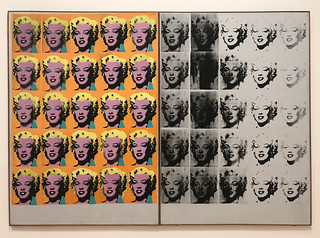
to look for inspiration for what I should do, I did some research and found out about Andy Warhol and his collection of Marilyn Monroe silk prints, ‘Marilyn Ditych’. I liked the idea of repeating artworks, however I did think that for my project, an element of randomization would make the full grid more unique and more interesting to look at.
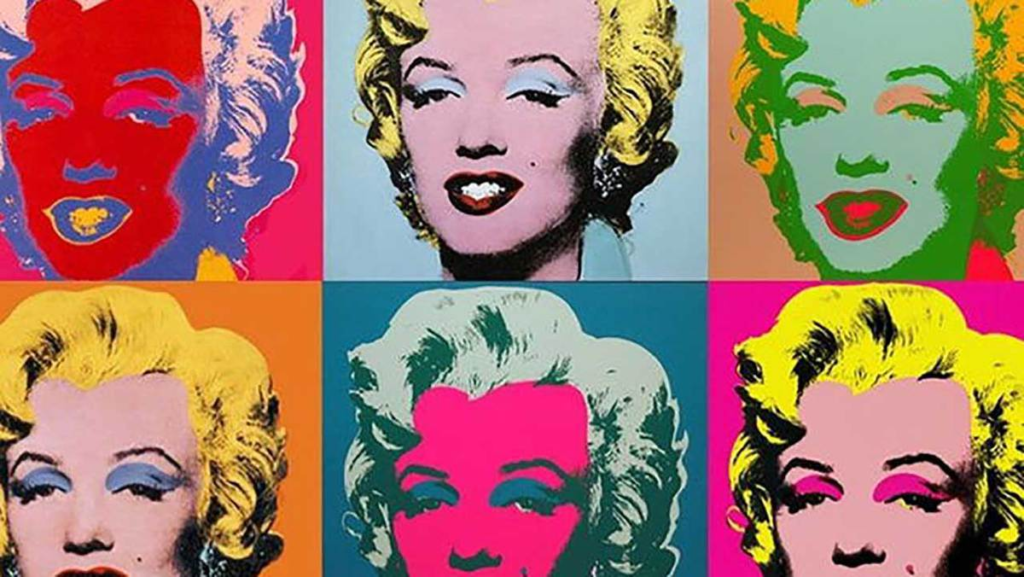
When I did some further research I discovered some artworks that have had inspiration from the original artwork but in more colour. I really liked the idea of having handmade artwork for my project, so I edited a simple image using microsoft paint, giving each drawing some slight variants. In hindsight, I could’ve used an overlay tint() from p5js’s library, but I like how the result turned out regardless.
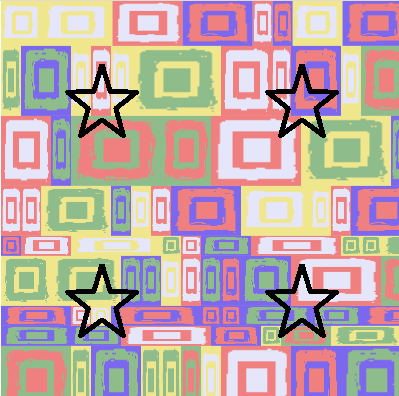
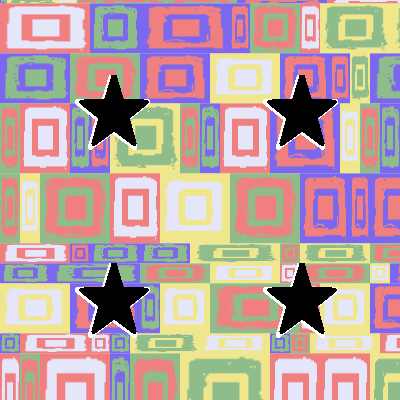
While placing my stars, I realised that it may be more beneficial to make them bolder, with a white outline, to make them more aesthetically pleasing.
when testing, I realised that it while refreshing the page to see changes in the grid patterns worked, it felt a bit slow. So, I gave the program a framerate of 1.5 in the setup() function. I feel as though this really improves the user experience as the background changing is completely ‘hands free’.
(a short clip of my grid with a frameRate of 1.5).
the code to position my stars took some trial and error, they still aren’t perfectly aligned but I’ll have to make some more adjustments.

Later on in the week, I attended a lecture from Collusion, it was really interesting to here how they as an organization help give funding to different projects. I was particularly interested in one of the pieces that they helped provide funding for, the “Data shadow” project. I really liked the message on data privacy and how the internet has normalized the oversharing of data. It’s nice to know there are organizations like that, which give support to people. Maybe one day I could work with them on a future project too.
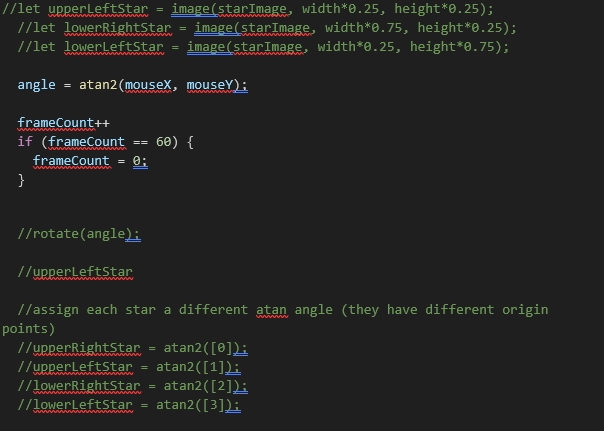
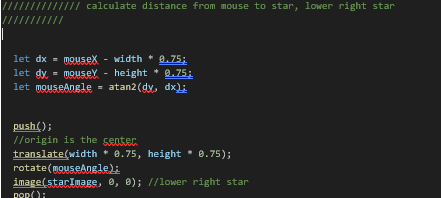
Eventually, I managed to get my stars to rotate based on my mouse position. I was trying to use atan2 but didn’t know how, and I assumed I could use atan on an array to give a different atan for each star, however I learnt that this didn’t work and realised I also needed to pop and push each stars so that they wouldn’t affect each other and would function independently
old code:
new code: (similar code for all 4 stars)
overall, I really like how it looks! I really like how the stars move smoothly while the background changing isn’t too fast and too overwhelming. I think the fact that the stars are no longer just an outline is also better to look at visually.